
Former Prosecutor
Now Fighting For You
Now Fighting For You











Step 1. Open Google Maps and sign in
Navigate to maps.google.com on your browser or open the Google Maps app on your phone. Make sure you are signed in to the Google account you want to use for reviews.
Step 2. Access your profile settings
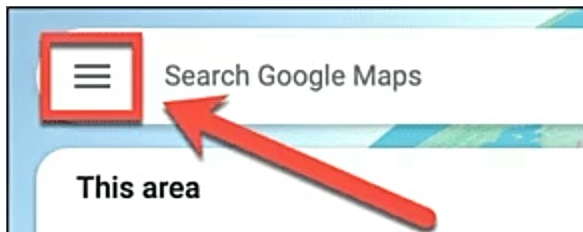
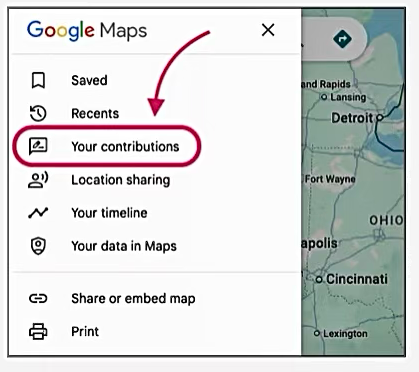
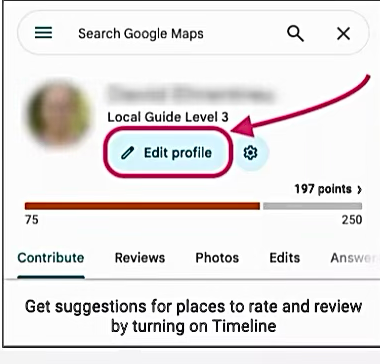
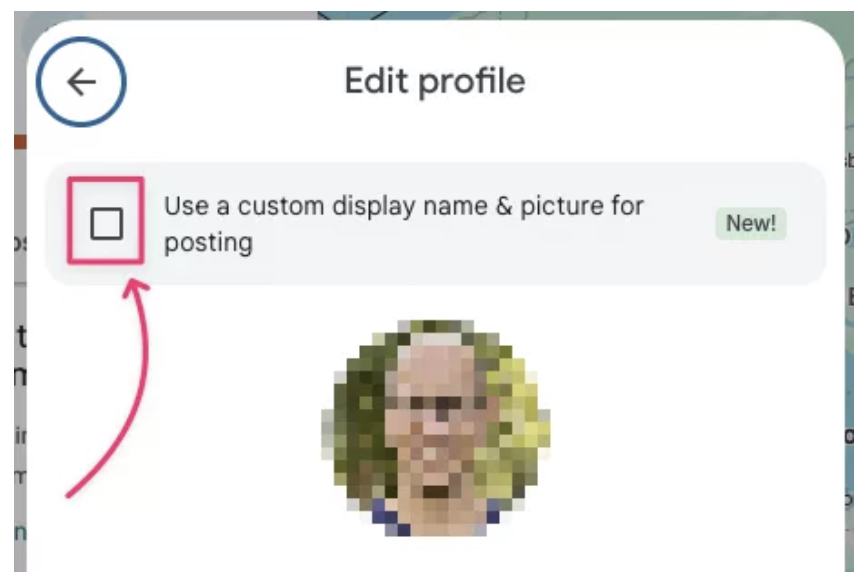
Step 3. Select the box to use a custom name & picture
Step 4. Enter your custom name and picture
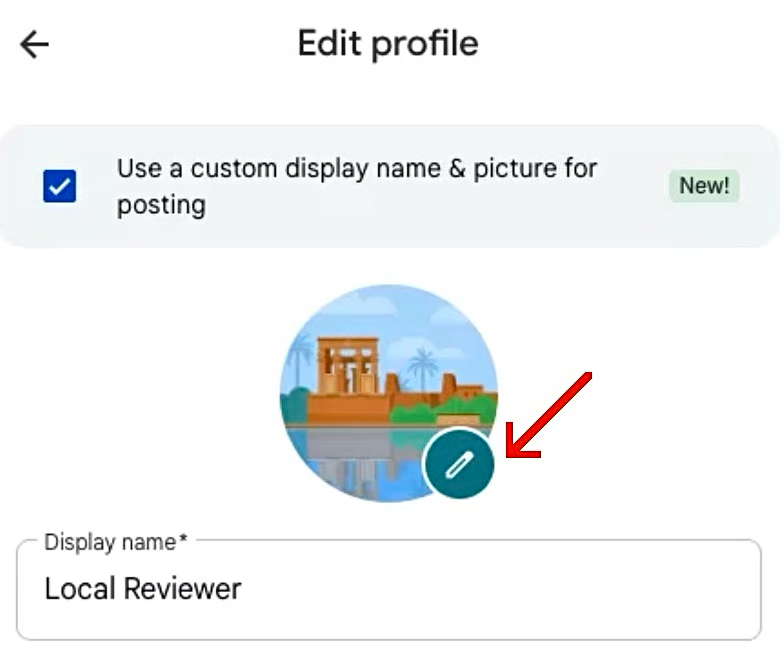
Step 5. Confirm your changes
Once you have selected your new name, click “Next” and then “Confirm” to finalize the update.
Step 6. Leave your anonymous review
Click this link to navigate to the Google Business Page of The Law Office of Kevin R. Collins:

Fill out the form or call us at (781) 430-8525 to schedule your free consultation.